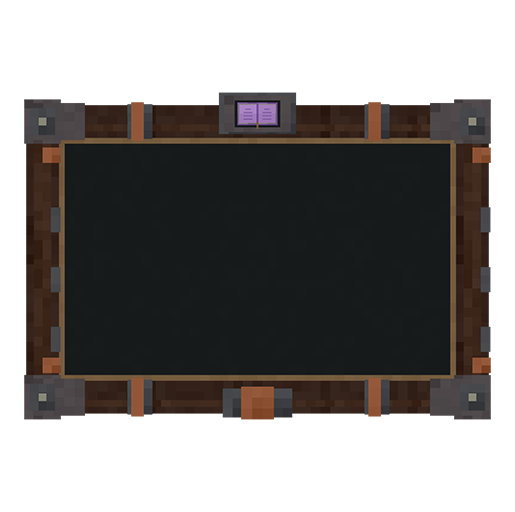
Use the tablet
Press J to open the tablet. Change the key in Minecraft Controls if another mod uses it. You do not need to hold the tablet item to use this shortcut.
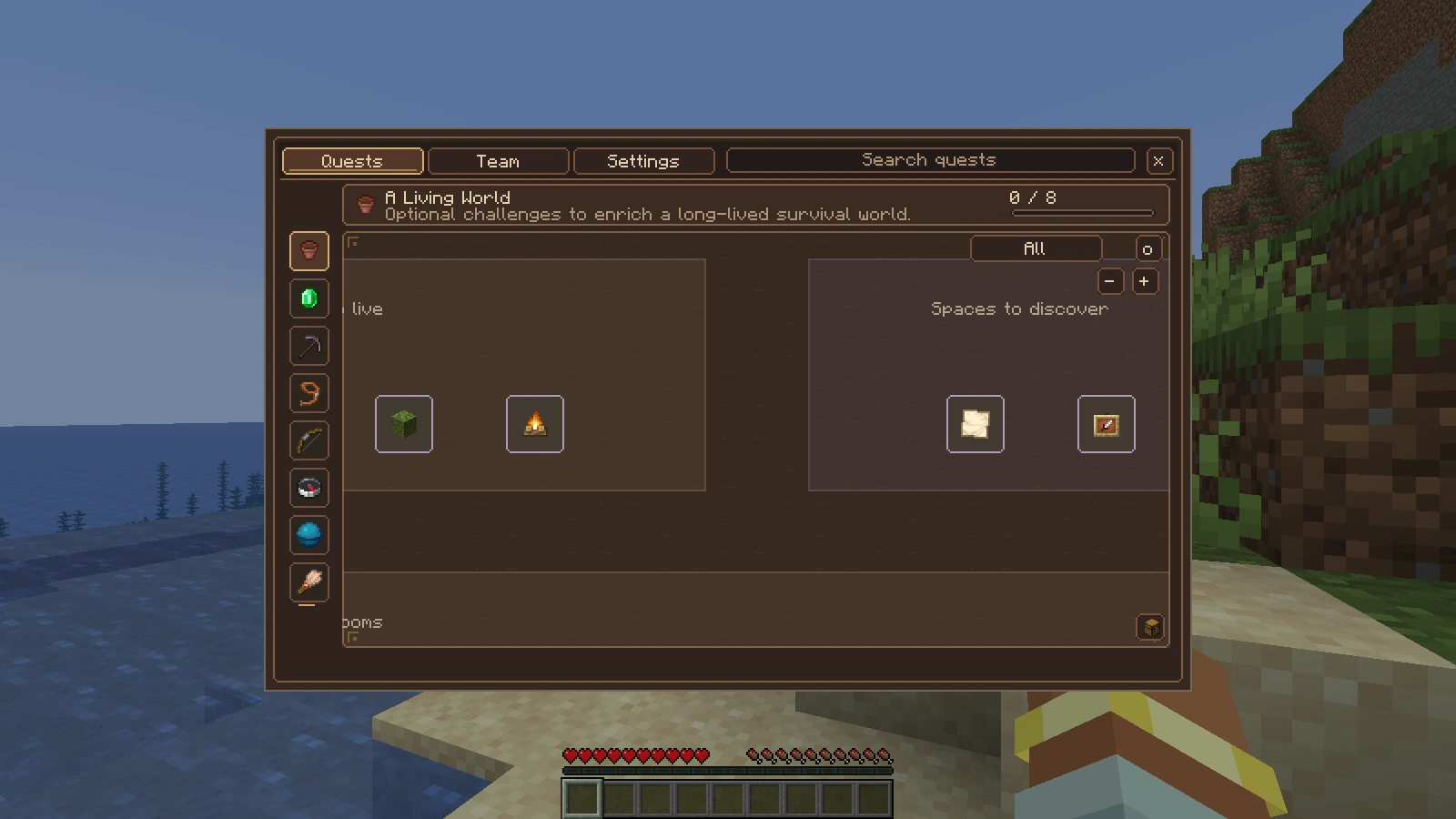
Choose a category on the left, then explore its quest tree. This flat view shows the shared controls clearly. Open the image to inspect it at full size.
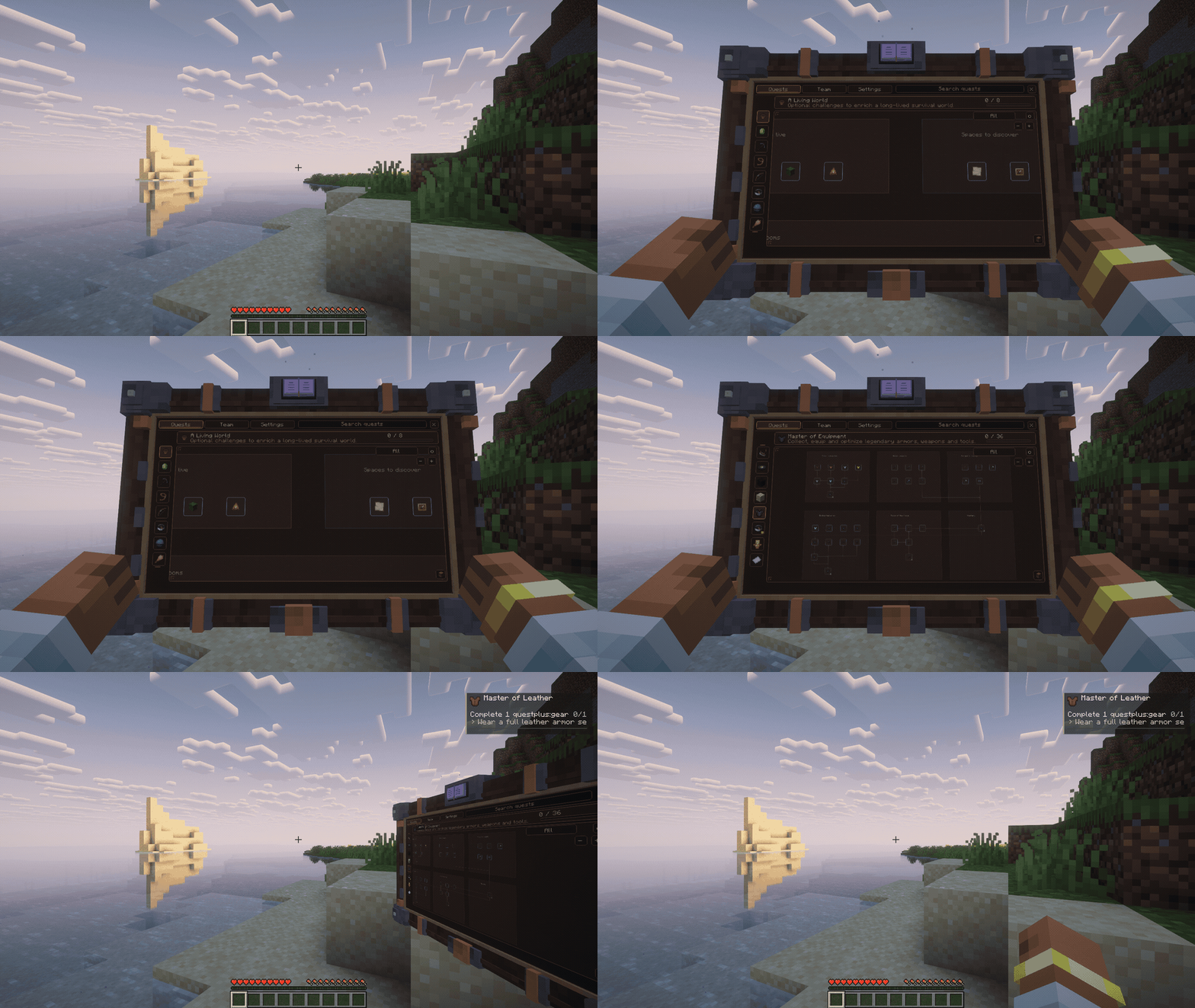
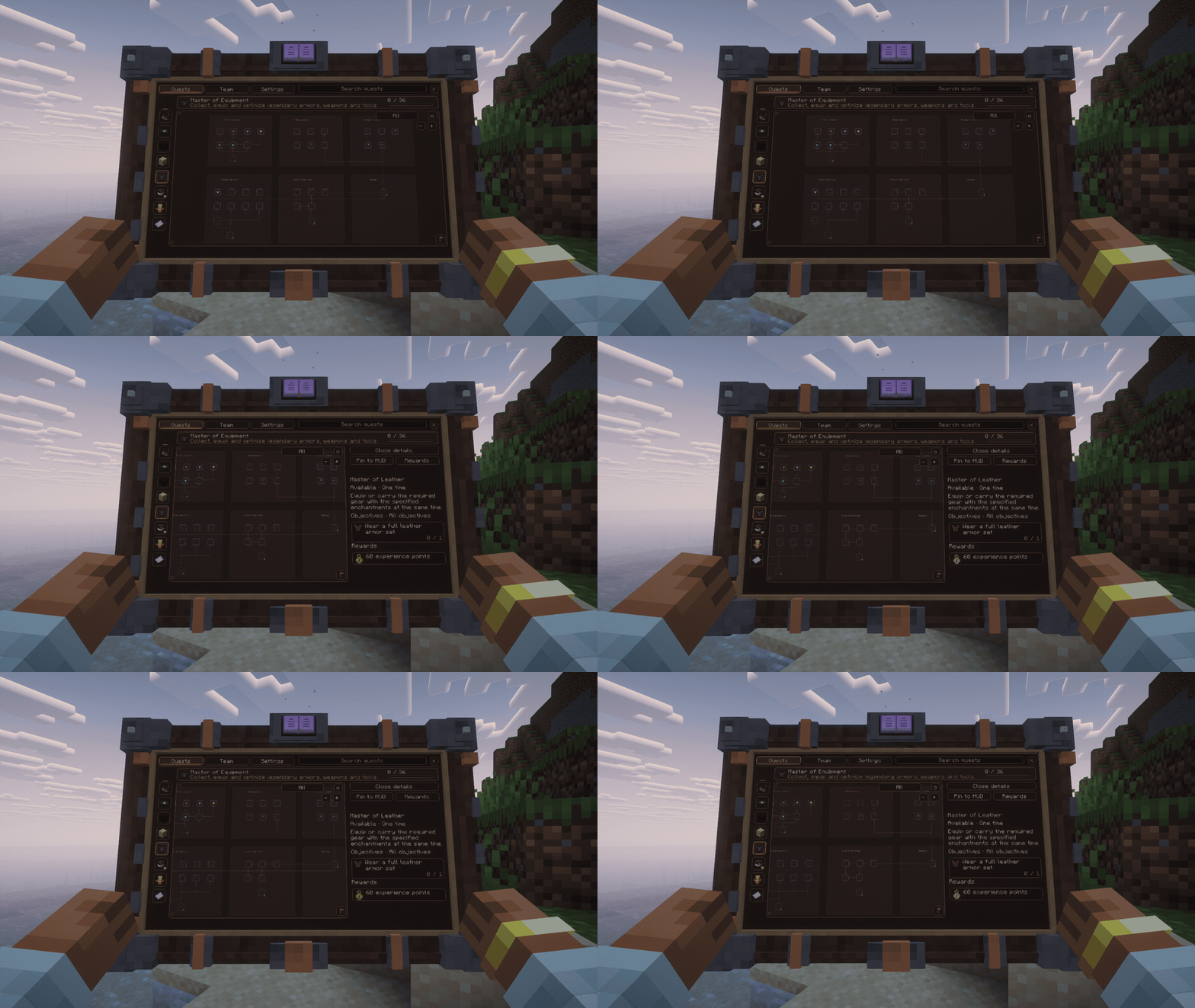
Watch the tablet open and close
Read a quest
Choose a category and select a quest to view its objectives, prerequisites and rewards. Pan and zoom the diagram to find other branches. Requirements explain what must be completed before a locked quest can advance.
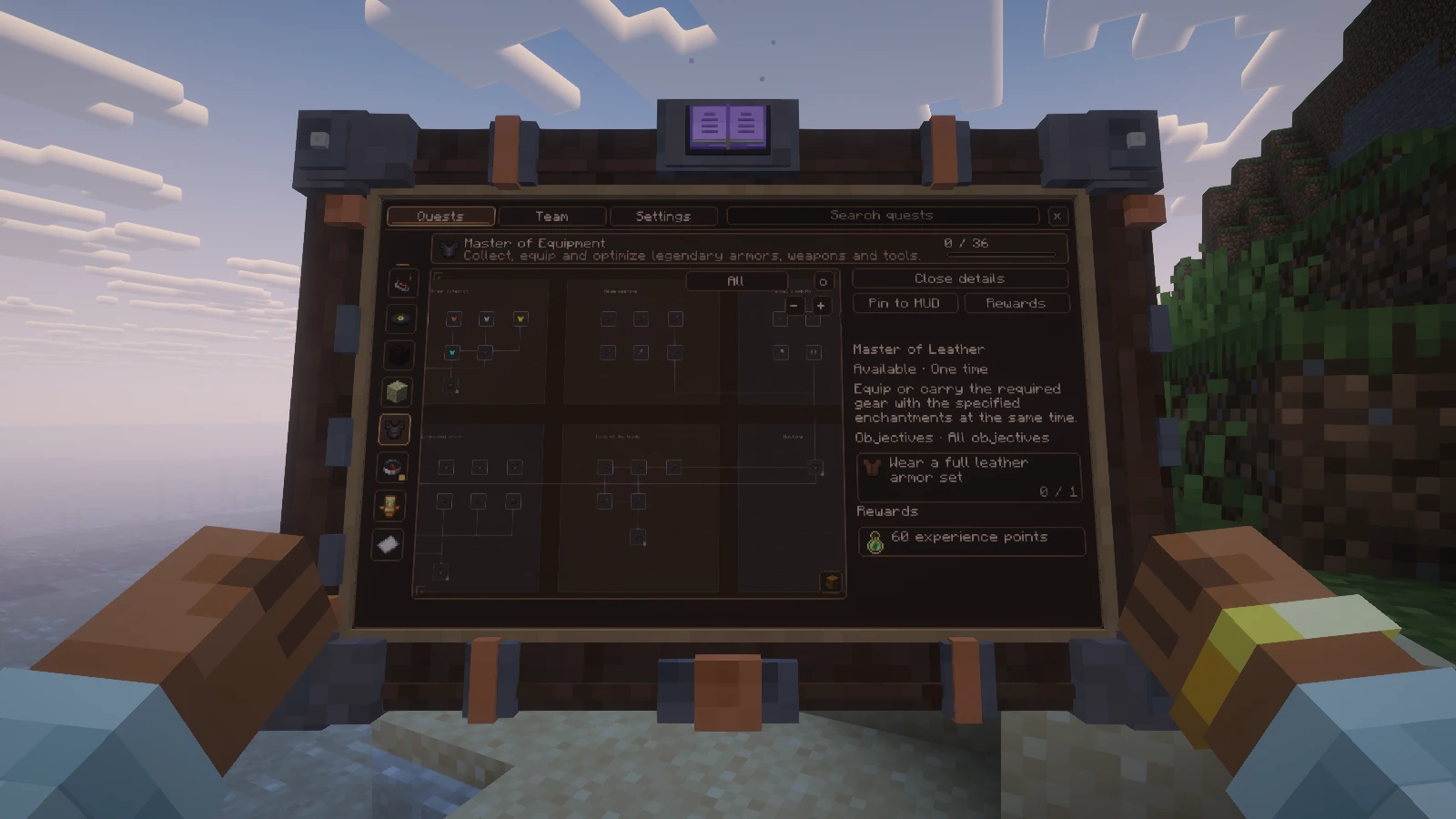
Read the objective and its conditions before collecting or submitting resources.
Watch the tree and quest details
Complete and claim
| Action | How |
|---|---|
| Track a quest | Pin it to the HUD |
| Collect rewards | Claim or Collect All |
| Hand in items or XP | Use Submit |
| Trigger a manual quest | Its action button or /questplus trigger <quest> |
| Play together | Open the Team controls |
| Adjust visuals | Tablet settings for size, lighting and 2D mode |
Completing objectives makes a quest eligible for its configured rewards. Use Claim for that quest, or Collect All for eligible rewards. A choice reward requires a selection. Inventory space, team rules and reward policies can affect what is available.
Submit is explicit. An item turn in consumes accepted items, while an item submission objective can check them without consuming them. XP submission consumes the requested XP. Read the objective before confirming.
Track your next action
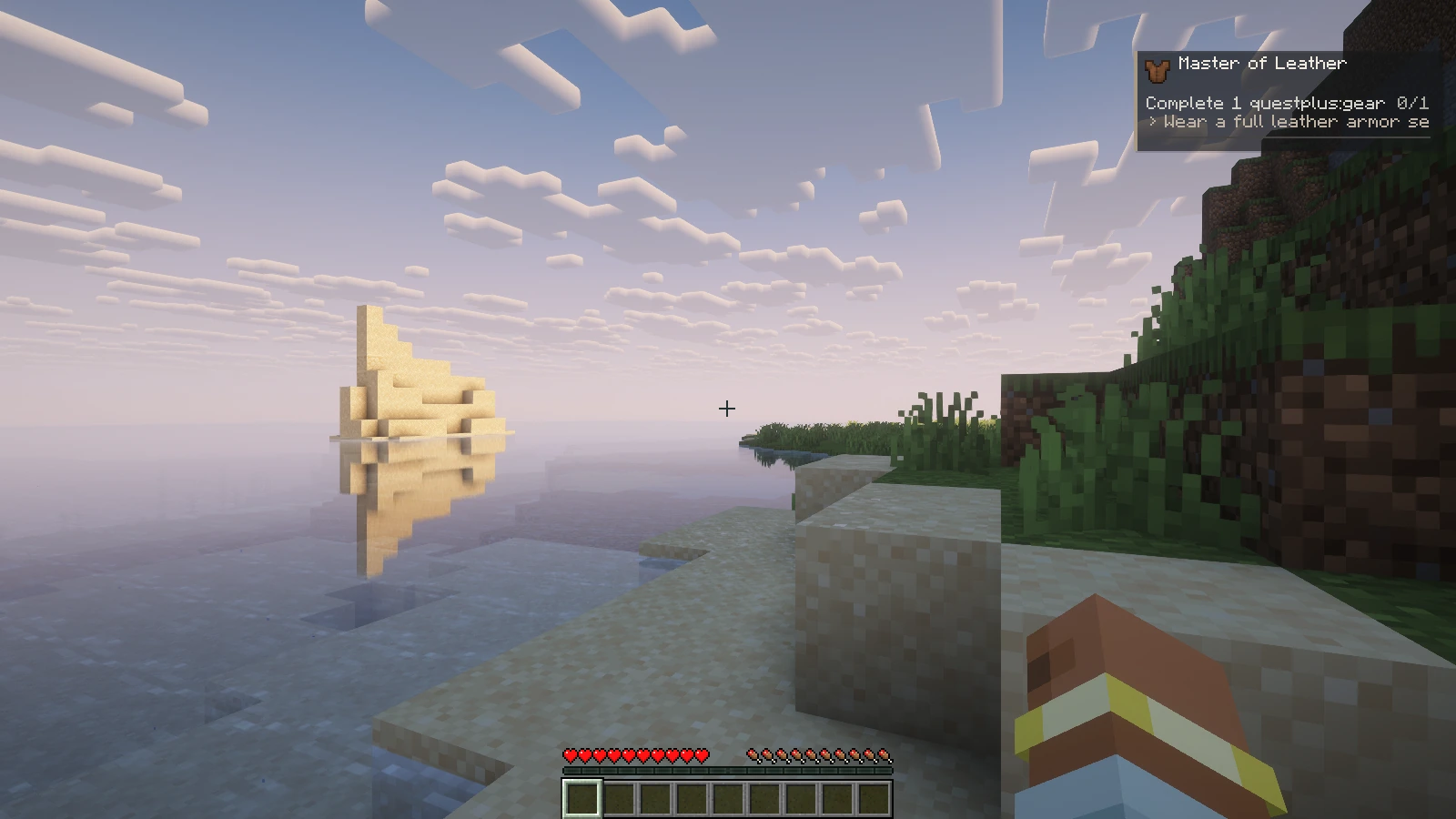
You can pin up to three quests. The HUD is enabled by default and appears when a quest is pinned. Pinned quests stay on the HUD until you unpin them, even after completion or between repeatable quest cycles and tiers. The server validates progress even when the tablet is closed.
Hold a physical tablet
Craft questplus:tablet at a crafting table, or find it in the creative Quest tab. The recipe produces one tablet:
| Iron ingot | Amethyst shard | Iron ingot |
| Planks | Book | Planks |
| Iron ingot | Redstone dust | Iron ingot |
Use 4 iron ingots, 2 planks (any wood), 1 book, 1 amethyst shard and 1 redstone dust. The arrangement above is a 3×3 crafting grid.
Holding it shows its carry pose. Right click to open it, then close the menu to return to carrying it. The J shortcut and the flat interface remain available, even before you craft the item.
By default, taking damage closes the tablet. The setting to keep it open on damage is local to your client.
Quest blocks · Display and accessibility settings · Play with a team · Player commands