Install Quest Plus
| Requirement | Version |
|---|---|
| Minecraft Java | 26.3 |
| Loader | Fabric |
| Java | 25+ |
| Fabric API | Compatible with 26.3 |
Install Quest Plus and Fabric API in mods/ on the client and server.
Player Animation Library 1.2.8 and First Person PAL Expansion 1.1.1 are bundled inside Quest Plus. No separate animation download is needed. The 2D interface remains available in settings. Fabric API is still required separately.
Check the installation
Start Minecraft and check that the mod loads without dependency errors. For multiplayer, use matching QuestPlus versions and the same relevant content mods on the server and clients. Shaders are optional.
QuestPlus creates a default pack in config/questplus/default/ when none exists. New worlds receive their own definitions in <world>/questplus/. You can play the bundled quests without a website account or a web service.
First steps
- Join your world and press J.
- Choose a category and a quest.
- Complete the objective and claim your reward.
Existing world quest definitions are not overwritten when the mod updates.
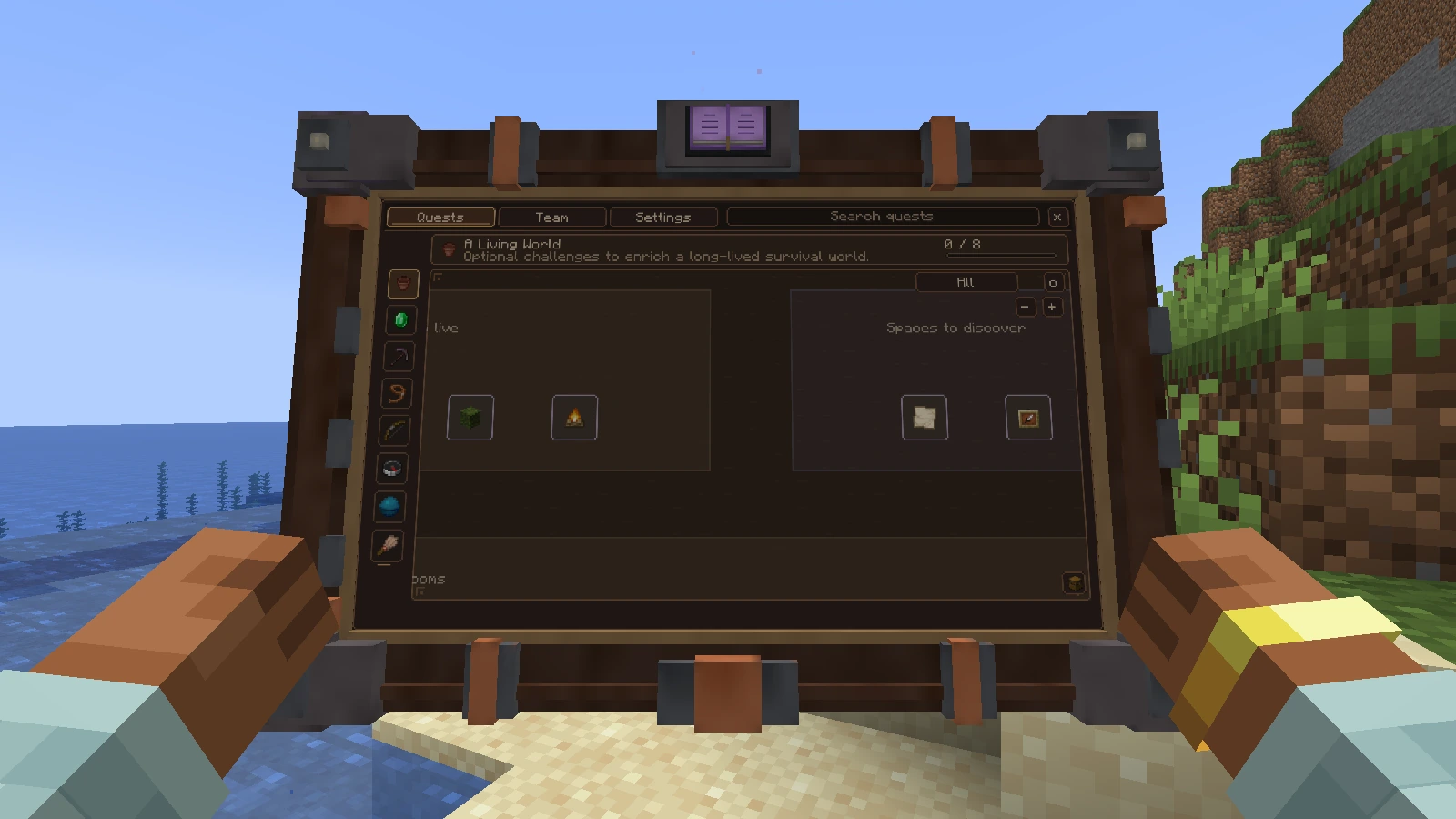
The tablet presents the server's available quests. Its appearance can be changed in Settings.
Install a custom pack
Use a QuestPlus ZIP exported by Studio. Back up the world and follow Import and publish. Pack files go in the world's definition folder, while player progress stays in <world>/data/questplus/.
For a modpack, distribute config/questplus/default/ so new worlds start with your quests. Follow the modpack creator guide before updating an existing world.