Import and publish
Export a quest pack
- Choose Export ZIP in Quest Studio.
- Stop and back up the world.
- Extract the pack to
<world>/questplus/, withconfig.json,categories/andquests/directly inside it. Include the other exported definition files. For a replacement, remove obsolete definition files from this folder and preserve any world settings you still need. - Restart or run
/questplus reload.
Do not replace <world>/data/questplus/, which stores player progress. Keep existing quest IDs stable.
Edit a live server
Connected editing requires Quest Hub and operator approval.
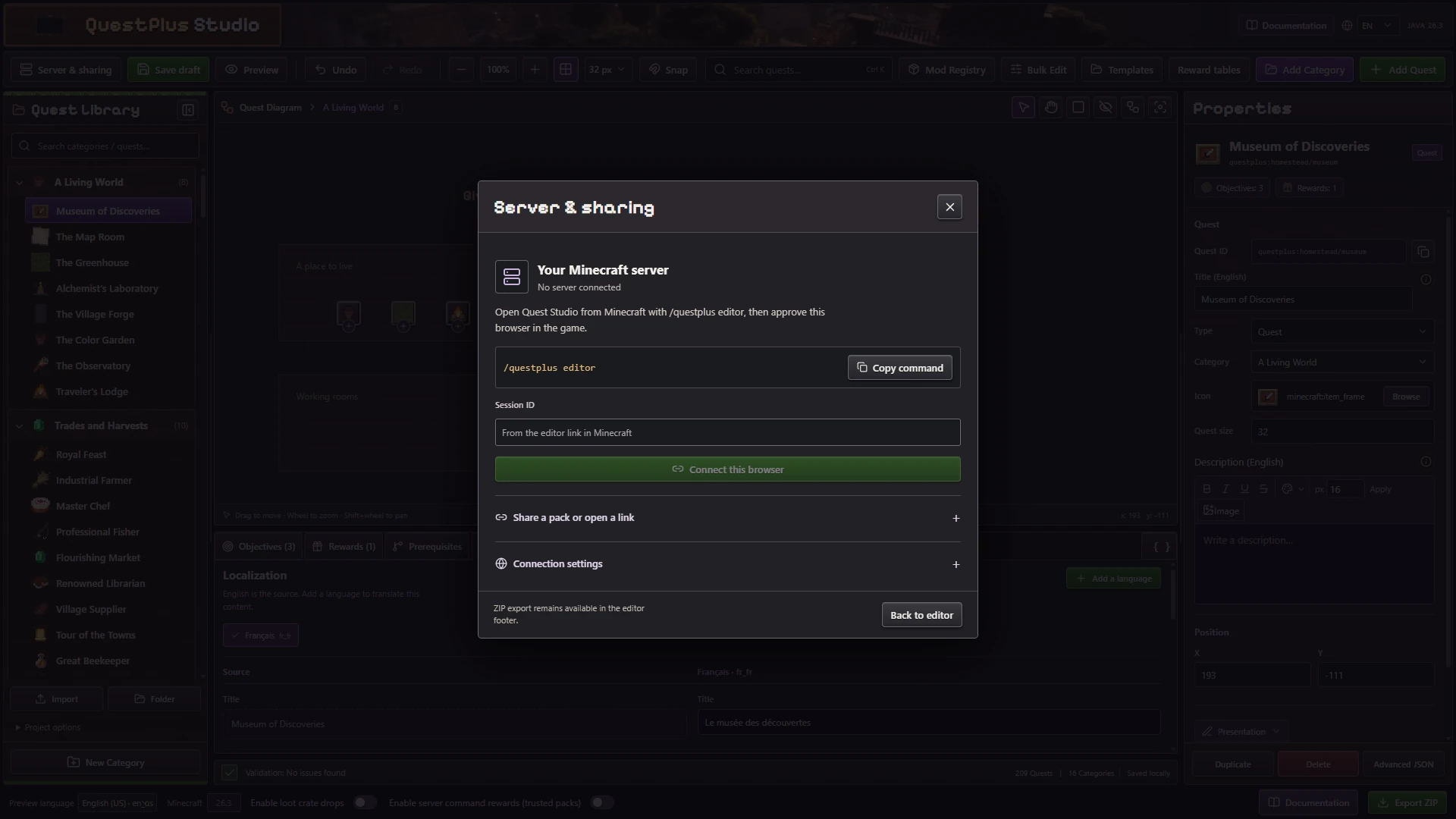
The static editor can author and export packs. A running web service is required for connected publishing.
- Run
/questplus editoras an operator. - Open the link and request access.
- Approve with
/questplus editor approve <code>. - Edit the quest pack and click Save to server.
Use /questplus editor revoke to end access and /questplus rollback to restore the last definitions.
Save draft remains local to the browser. After Save to server, wait for Minecraft to validate the entire pack and acknowledge the update. A queued request is not a successful reload. If publication fails, export the draft, read the error and correct it before trying again.
Use /questplus editor world for the current world and /questplus editor default for future world defaults. Changing the default pack does not update existing worlds.
Resolve conflicts safely
Another reload or editor can change the base revision. If Studio reports a conflict, export your draft, load the current server version and reconcile the changes. Do not bypass the revision check.
The Minecraft server stages the pack and restores its previous definitions if reload fails. Player saves and reward ledgers stay separate. For a complete update plan, read Backups and pack updates.
Import FTB Quests
Import a compatible FTB pack, review the conversion report and confirm. Custom scripts need a dedicated integration. See the modpack creator guide for the complete import, testing and distribution workflow.